
Video tutorials
Short videos that show how to use the Ondine creator, step by step.
- Tutorial 1 – An overview of Ondine creator softwareIn this tutorial we will show how to use the main functions and options inside the software. We’ll show you the different menus, the working area, how to choose images, colors…
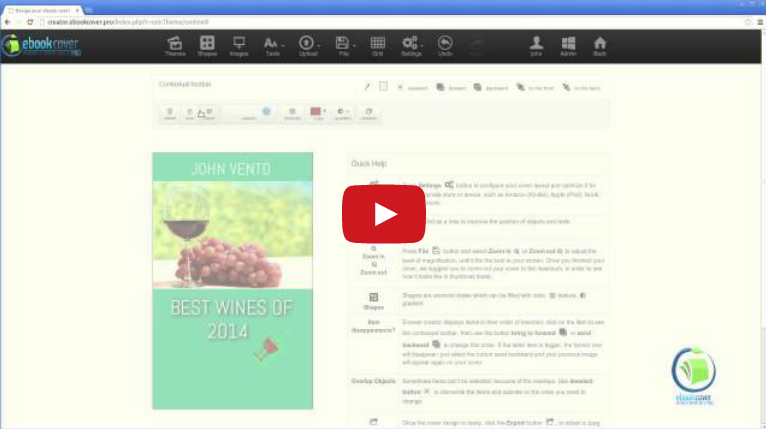 Tutorial 2 – Example: how to create your first coverDon’t know how to start? Here we explain how. Tips on using our Creator software to create your first, unique cover. Simplicity is the key word.
- Tutorial 3 – Create a cover in the suitable format for the book store you have chosenWhich format to choose? It depends on what you have to publish: book or ebook? And with whom? Amazon, Lulu, or Apple? Every company has its own format. In this tutorial we will…
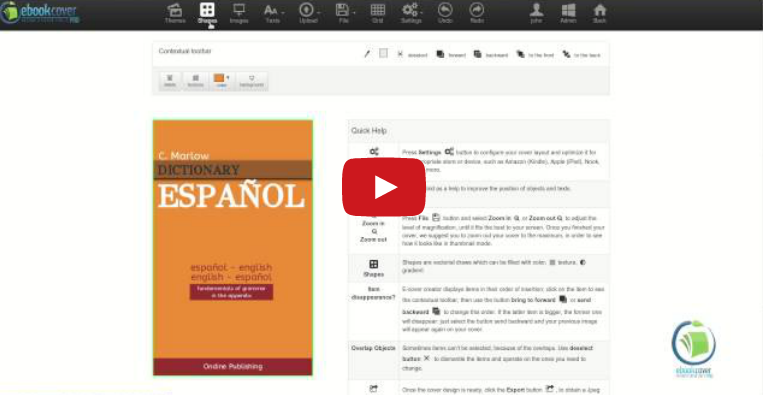 Tutorial 4 – How to use shapes. Tips to get nice effectsIn this tutorial we will show how to use properly shapes in your cover: how to select them and modify them in size, rotation, using colors, textures or gradients. Or even…
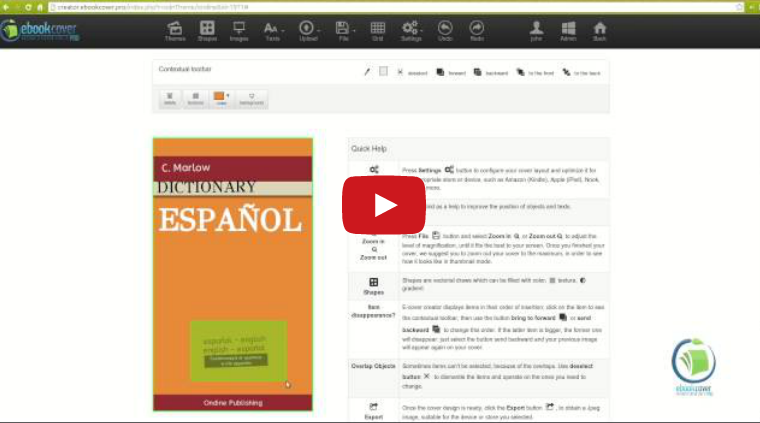 Tutorial 5 – Selection and layer options: easy to use!Selecting and deselecting, using layers and levels has always been difficult. But not with our software. In this tutorial we will show you how to take an image to the foreground…
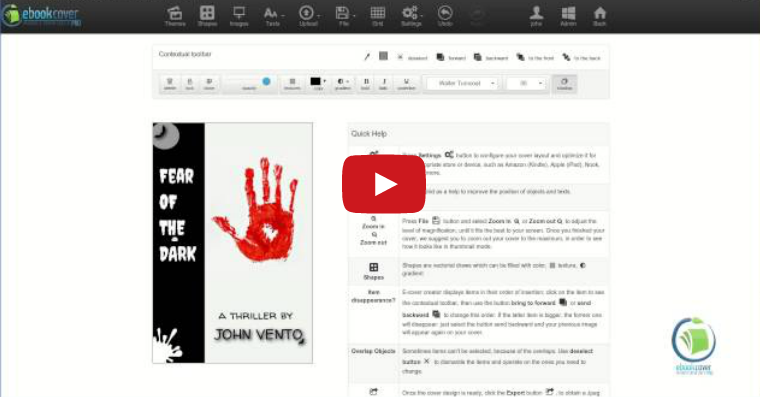 Tutorial 6 – Use picking colors tool to make your design uniformIn this tutorial we will show you how to properly pick up colors in your cover, without wasting time to look for the correct ones. This will definitely help your cover to be…